
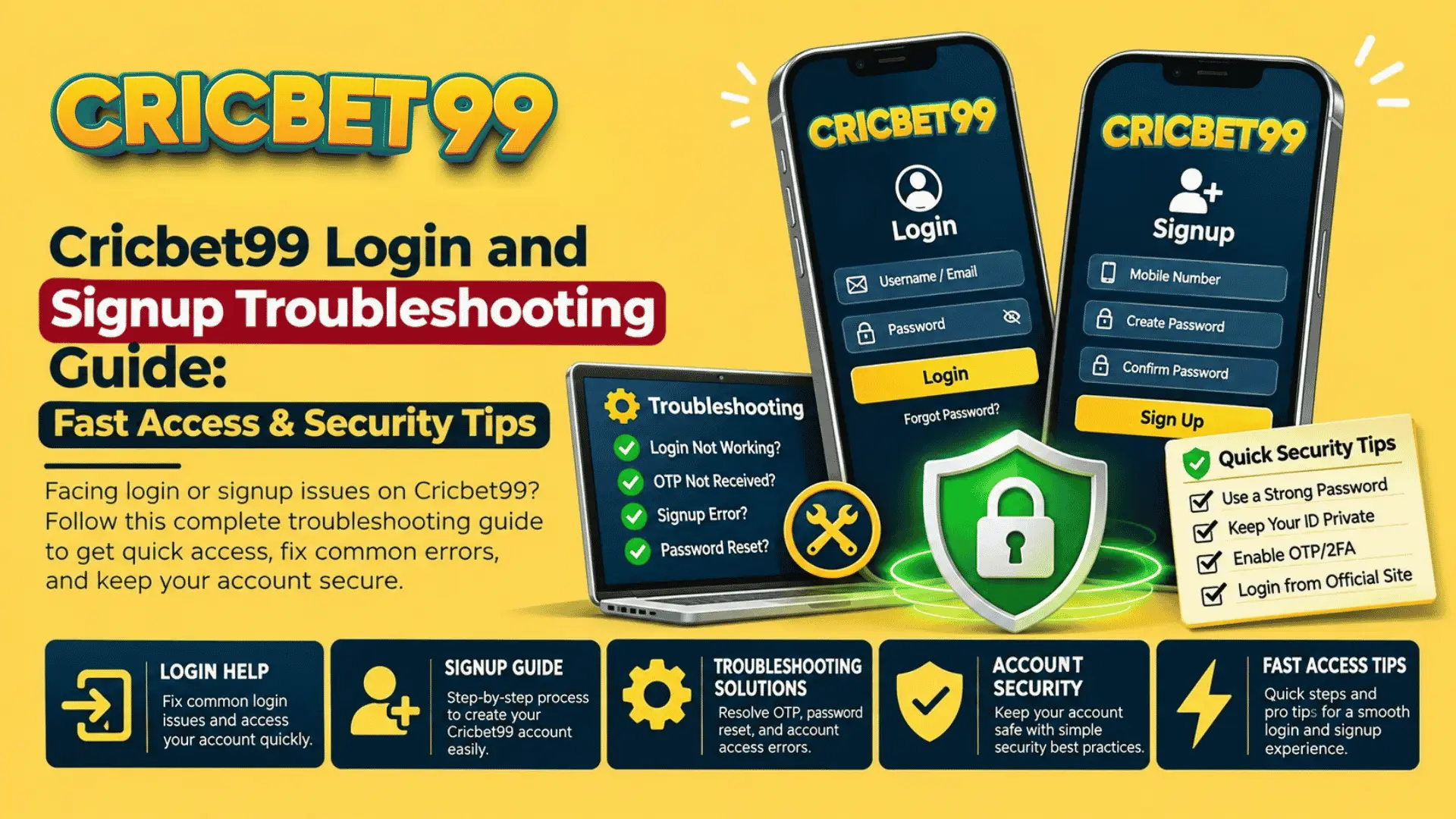
Locked out of your account? It happens to many players. One small slip can block the door. The good news is that most fixes take just a few minutes. This guide on Cricbet99 Login and Signup Troubleshooting gives clear steps. It’s also sharing simple practices that will keep your account secure.
Cricbet99 is an online cricket site for fans. It supports users playing cricket and running their user accounts through your desktop and laptops. The team works hard to keep entry smooth and safe.
Why Do You Need Cricbet99 Login and Signup Troubleshooting?
Most problems start with small mistakes. Here is what often goes wrong with your logins:
- A typing slip in the name or password
- An old app
- Weak or no internet
- A locked account after many wrong tries
- A wrong phone number at signup
These Cricbet99 login problems are easy to fix.
Common Login Fixes
Try these steps one by one.
Check Your Details
Look at each letter. Caps Lock can change your password. Many Cricbet99 login problems start right here.
Clear Old Saved Data
Old saved data can block the page. Clear it in your settings. Then open the site again.
Switch Your Internet
Move from phone data to Wi-Fi. Or try the reverse. Aim for a Secure Cricbet99 Login by skipping free public Wi-Fi.
Update Your App
An old app may not open the page. Get the newest version.
Try Another Phone
If one phone fails, test a laptop. This can help when one device has a bug or a bad setting.
Signup Steps That Work
The Cricbet99 signup process is short. Follow these steps to avoid errors.
- Open the official site on a safe internet link.
- Tap the signup button.
- Type your name and phone number.
- Enter the code you get.
- Make a strong password and send the form.
Smooth Cricbet99 Login and Signup Troubleshooting begins with right details.
| Error | Cause | Fix |
| Code not received | Weak signal | Wait, then resend |
| Email already used | Old account | Try login or reset |
| Number not valid | Wrong digits | Add country code |
| Form will not send | Empty box | Fill every box |
Account Access After Signup
New users often cannot enter at once. Wait a few minutes after signup. Check your email for a confirmation link.
Your Cricbet99 account access may stay limited until you confirm. If the Cricbet99 signup process was not done, finish it first.
Password Recovery Made Easy
Forgot your password? Do not worry. Use this Cricbet99 password recovery path:
- Tap Forgot Password on the login page.
- Type your phone number or email.
- Wait for the code.
- Type the code in the box.
- Set a new, strong password.
Never share the code with anyone. Good Cricbet99 Login and Signup Troubleshooting ends with a password you can recall.
Safety Tips for Every Player
Small habits help you. Follow these Cricbet99 login security tips daily:
- Make your password long, with letters, numbers, and signs
- Never share your code
- Log out on shared phones
- Stay off free Wi-Fi
- Get apps only from the official site
Change your password often. This keeps your Trusted Cricbet99 ID safe.
Spot Fake Pages
Fake sites copy real ones. Look at the web address with care. A changed spelling means a fake page.
Smart Cricbet99 Login and Signup Troubleshooting also means dodging fake pages. These Cricbet99 login security tips stop theft.
Fast Fix Table
Use this table for quick Cricbet99 Login and Signup Troubleshooting.
| Problem | Quick Fix |
| Wrong password | Use reset |
| Blank page | Clear saved data |
| Code delay | Resend after a minute |
| Account locked | Wait, then retry |
Most Cricbet99 login problems clear in minutes.
Keep Your Account Healthy
Update your reset details often. A saved number makes Cricbet99 password recovery quick. Also keep your sign-in email in a safe place so your Cricbet99 account access stays easy.
Quick Checks Before You Start
A short check saves time. Run through this list first for Cricbet99 Login and Signup Troubleshooting:
- Make sure your phone has a strong signal
- Check that the date and time on your phone are right
- Keep some free space on your phone
- Close apps you do not need
- Restart your phone if the page stays stuck
Tips for Phone and Laptop Users
Use the Newest App
New versions fix bugs. They also keep your Cricbet99 account access steady. Get updates only from the official site. Delete the old file first if the app will not open.
Allow the Right Access
Let the app read your messages for codes. This saves typing and cuts delay during the Cricbet99 signup process.
Turn Off Hiding Tools
Some tools that hide your place online block the page. Switch them off and try again.
Save Your Login Safely
Use a safe app that saves passwords. Do not save passwords on shared phones.
If Your Account Gets Locked
A lock keeps you safe. It stops other people from using your account. Do not keep trying. Too many tries can make the lock last much longer. Good Cricbet99 login security tips say to wait and stay calm.
Follow this plan:
- Stop and wait for thirty full minutes
- Check your email for a lock note
- Use Cricbet99 password recovery after the wait
- Log in once with the new password
- Contact the help team if the lock stays
When to Contact Support
If nothing works, ask the help team. Send your username and a photo of the error. Use only the cricbet 99 india official channels. Skip random chat groups.
Clear details help the team fix Cricbet99 Login and Signup Troubleshooting cases faster.
Final Thoughts
Login problems feel bad, but they rarely last long. With clear Cricbet99 Login and Signup Troubleshooting, you can fix most problems alone. Check your details. Clear saved data. Then use the reset link when needed. Use only the official site. Ask the help team when stuck.
Play with care. Set limits that fit you well. This site is for adults eighteen and older only. Please follow your local laws.
Cricbet99 is an online cricket site built for easy entry and fan help. Its team works to make every login and signup smooth, quick, and safe.
Frequently Asked Questions
1. What is the first step in Cricbet99 Login and Signup Troubleshooting?
Check your internet and type your details slowly. Most errors come from a typing slip or a weak signal. If the page still fails, clear the saved data and try again.
2. How do I reset a forgotten password?
Use the Forgot Password link on the login page. Type your phone or email and enter the code you get. Then set a new password. The reset steps take about two minutes.
3. Why is my code not coming?
A weak signal or a wrong number is the usual cause. Wait one minute and tap resend. Check the number you typed during signup and fix any wrong digit.
4. How to protect my account?
The most important thing is to create a strong password and not to share codes. Follow these guidelines, and avoid unknown links!
5. Can I log in on two devices?
Yes, you can use your account on a phone and a laptop. Log out of shared devices when you finish. If you see a block, wait a few minutes and sign in again.
Tags: cricket bet 99, cricketbet99, cricket 99 id, cricbet99 sign up, cricbet99 black, cricbet, cricbuzz 99, 99 cricket, क्रिकेट 99
Read More:
https://icricbet99.vip/99-cricket-review-safety-checks-before-you-sign-up/
https://icricbet99.vip/cricbet99-vs-cricbet365-key-differences-safety-guide/